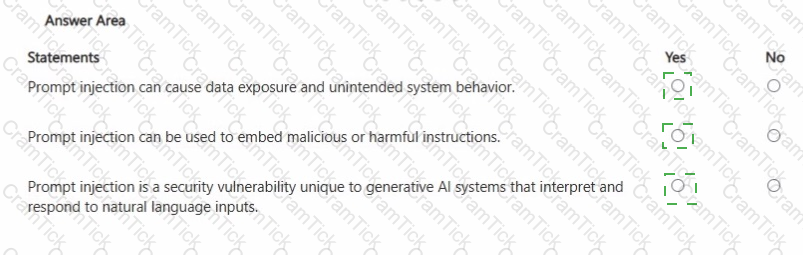
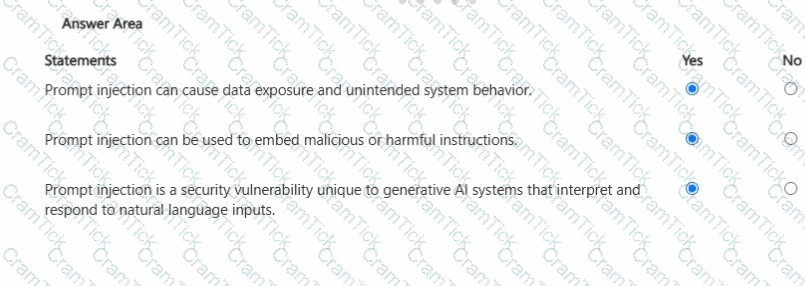
You create a Microsoft 365 Copilot notebook and add a file named Process.docx from a Microsoft SharePoint site as a reference.
Yesterday, a user updated Process.docx in the SharePoint site.
What will occur when you chat in the notebook?
For each of the following statements, select Yes if the statement is true. Otherwise, select No. NOTE: Each correct selection is worth one point.
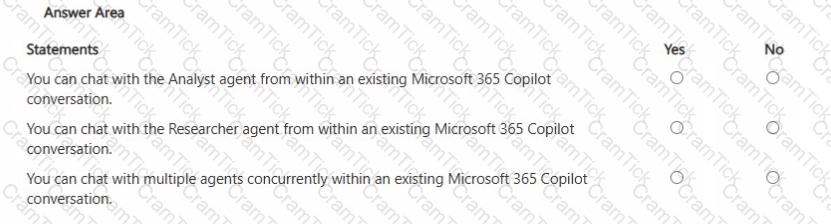
You are using Microsoft 365 Copilot to plan a trip and have asked Copilot to remember several details about the trip.
You cancel the trip plans.
You need to ensure that Copilot forgets the details.
What should you do?
You are using Microsoft 365 Copilot to enhance your productivity in Microsoft Teams.
Which two tasks can you achieve by using Copilot in Teams? Each correct answer presents a complete the solution.
NOTE: Each correct selection is worth one point.
You create a prompt and add several files from your Microsoft OneDrive.
You share the prompt to a user by using email.
What occurs when the user uses the prompt?
You create a Microsoft Teams meeting that will only allow the use of Copilot during the meeting. The meeting will NOT be transcribed.
Which statement accurately describes how Copilot can be used during the meeting?
You plan to create an agent in the Microsoft 365 Copilot app to help meeting organizers create and run effective meetings The agent will be used to prepare invite emails, assign meeting roles, and take meeting notes
You need to create the agent as soon as passible, and then perform a basic test of the agent. The solution must minimize effort
What is the best approach to achieve the goal? More than one answer choice may achieve the goal Select the BEST answer
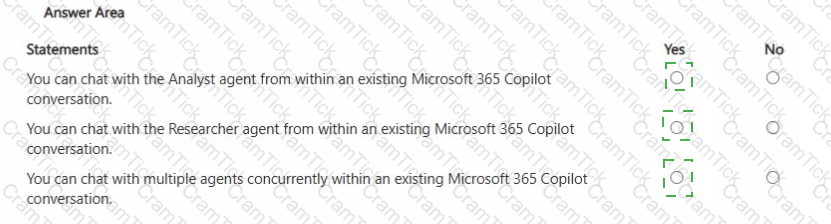
For each of the following statements, select Yes if the statement is true. Otherwise, select No.
NOTE: Each correct selection is worth one point.
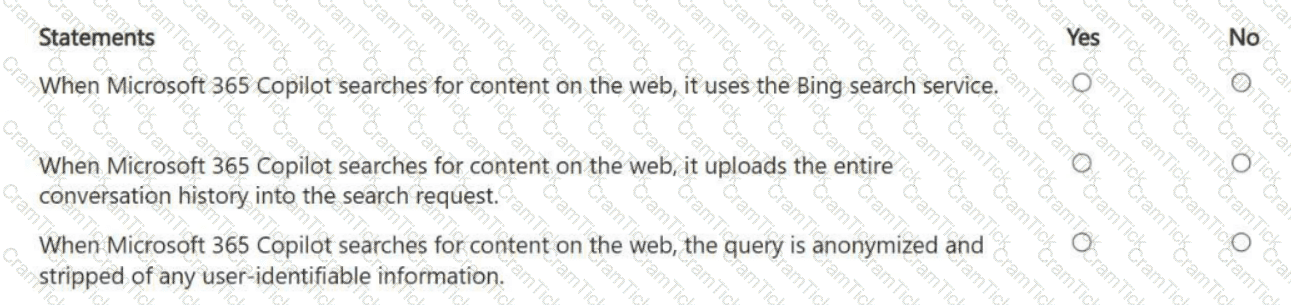
In a Microsoft 365 Copilot conversation, you generate a report, and then edit the report in a page. You need to collaborate with a colleague on the report.
What are two ways to achieve the goal?
You have a Microsoft Excel workbook open that contains a table. The table contains sales data and the following columns:
• OrderDate
• OrderNumber
• Amount
You plan to use Microsoft Copilot in Excel to generate a monthly summary of the sales data in the table.
What should you include in the prompt to generate an effective summary? More than one answer choice may achieve the goal. Select the BEST answer.
You need to improve prompt-grounding during a Microsoft 365 Copilot conversation.
What is the best approach to achieve the goal? More than one answer choice may achieve the goal. Select the BEST answer.
You create a Microsoft 365 Copilot notebook and add a file named Process.docx from a local folder. Yesterday, you updated Process.docx in the local folder. What will occur when you chat in the notebook?
A company is using the default settings in their Microsoft 365 services.
What is the maximum period that Microsoft 365 Copilot conversations can be retained?
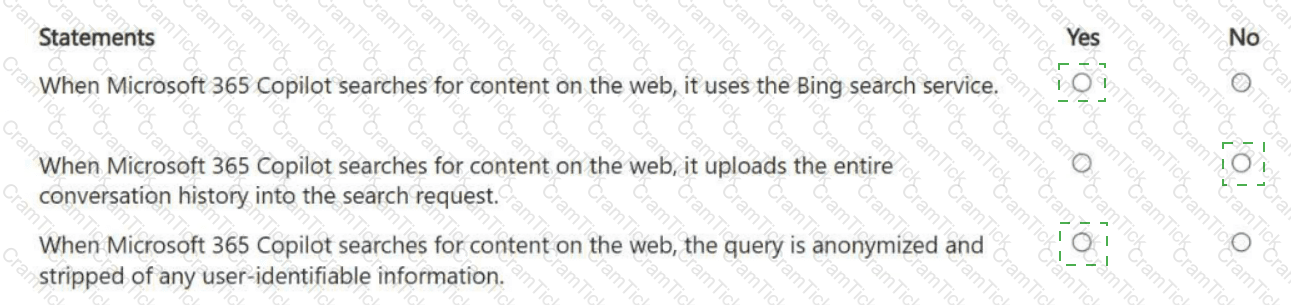
For each of the following statements, select Yes if the statement is true. Otherwise, select No.
NOTE: Each correct selection is worth one point.
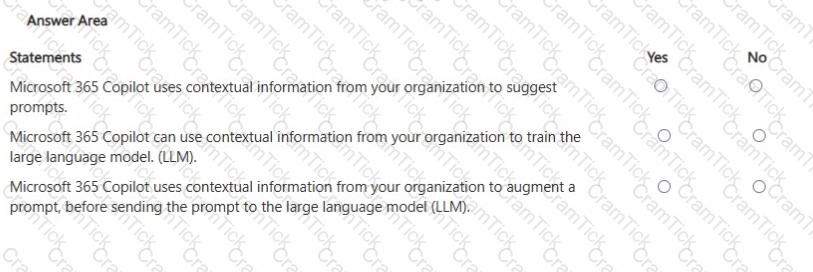
In Microsoft 365 Copilot, you save a prompt.
Which two actions can you perform for the saved prompt? Each correct answer presents a complete solution.
NOTE: Each correct selection is worth one point.
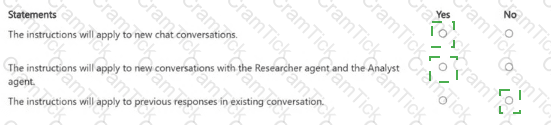
From Microsoft 365 Copilot, you add custom instructions.
For each of the following statements, select Yes if the statement is true. Otherwise, select No.
NOTE: Each correct selection is worth one point.
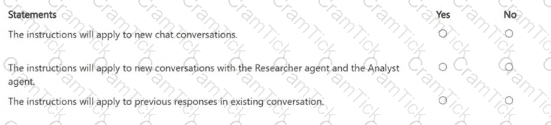
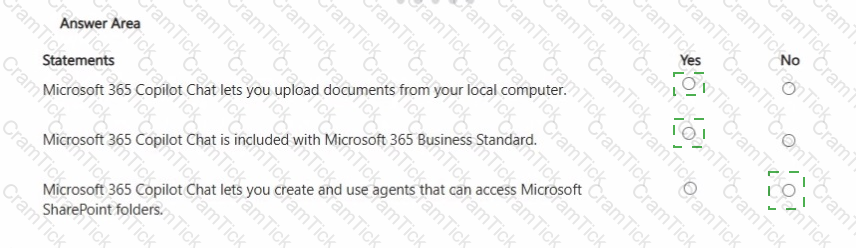
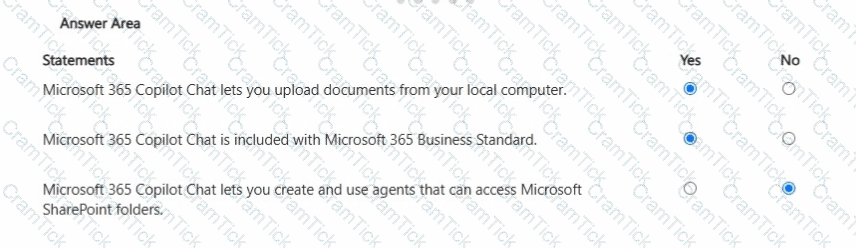
You have a Microsoft 365 subscription.
You do NOT have a Microsoft 365 Copilot license.
For each of the following statements, select Yes if the statement is true. Otherwise, select No.
NOTE: Each correct selection is worth one point.
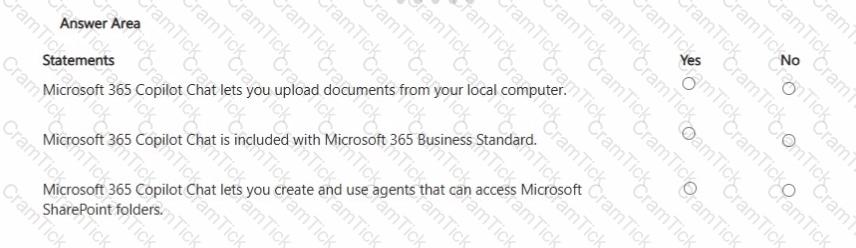
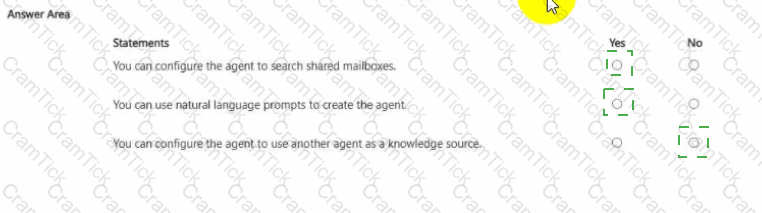
You are creating an agent in the Microsoft 365 Copilot app.
For each of the following statements, select Yes if the statement is true. Otherwise, select No.
NOTE: Each correct selection is worth one point.
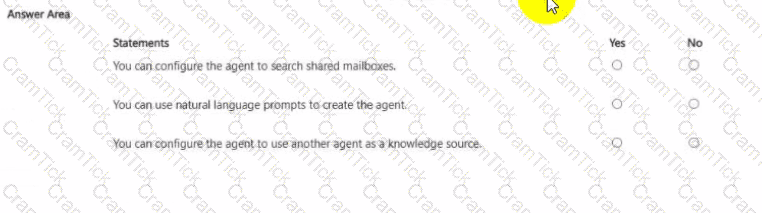
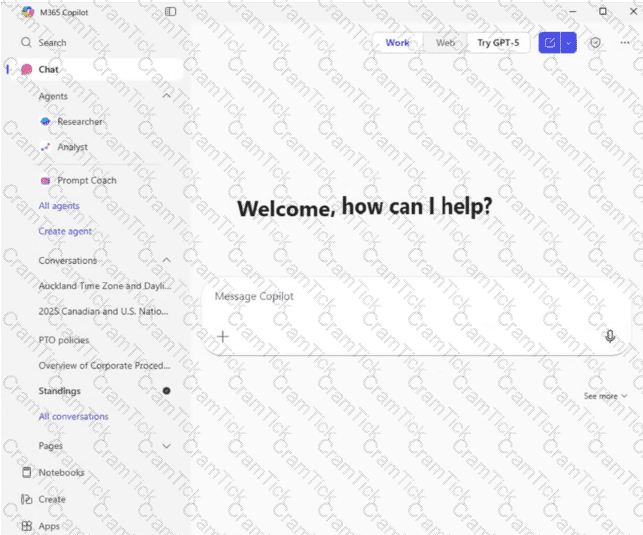
You open Microsoft 365 Copilot as shown in the exhibit.
What can you infer about the Standings conversation?
You are discussing Microsoft 365 Copilot with a colleague. The colleague asks which data Copilot uses to answer questions when using the Work scope.
What should you tell your colleague?
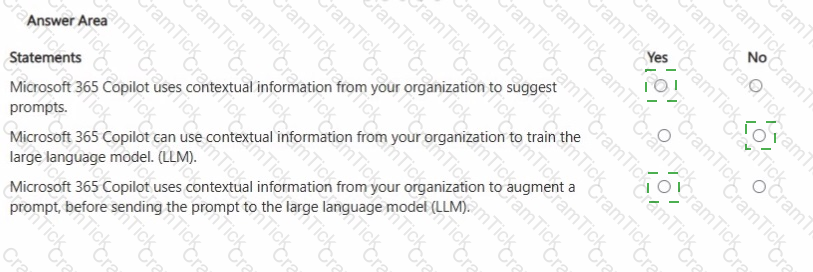
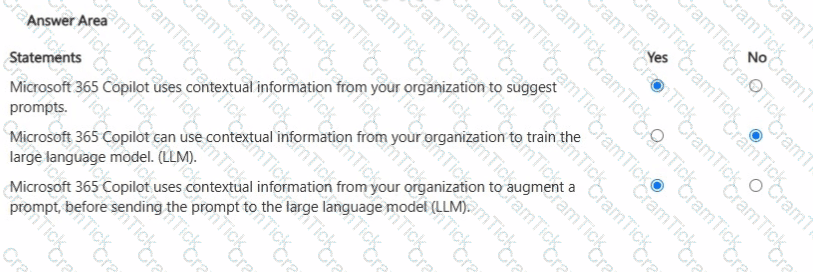
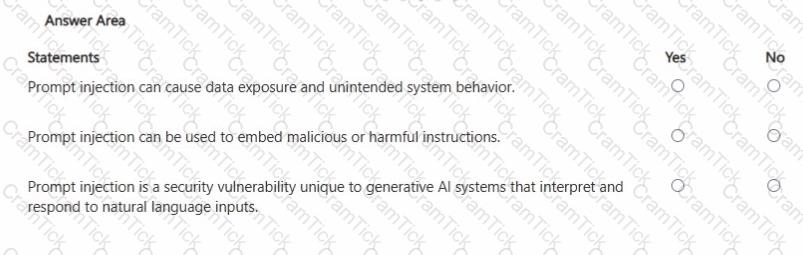
For each of the following statements, select Yes if the statement is true. Otherwise, select No. NOTE: Each correct selection is worth one point.

TESTED 13 Oct 2026