Context
As a Kubernetes application developer you will often find yourself needing to update a running application.
Task
Please complete the following:
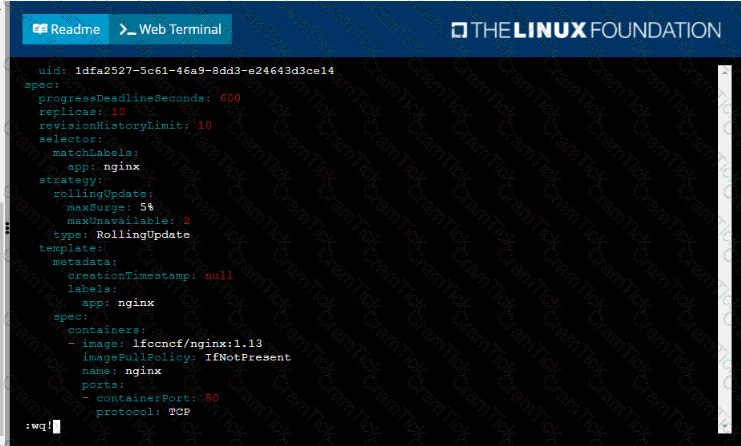
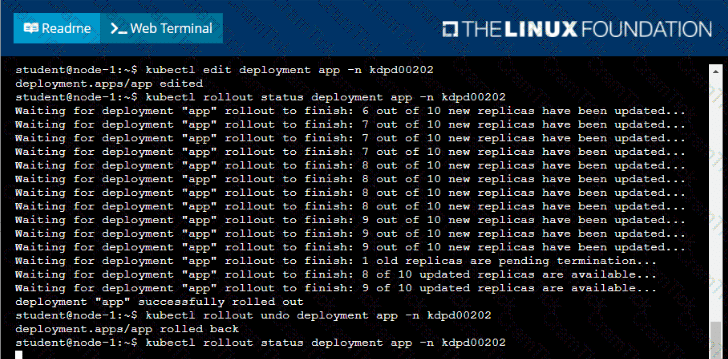
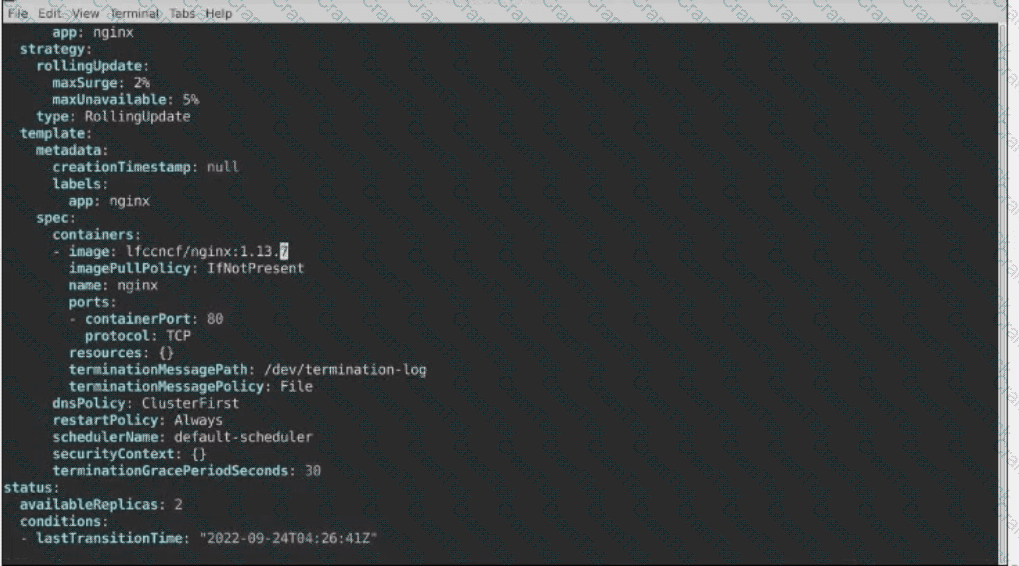
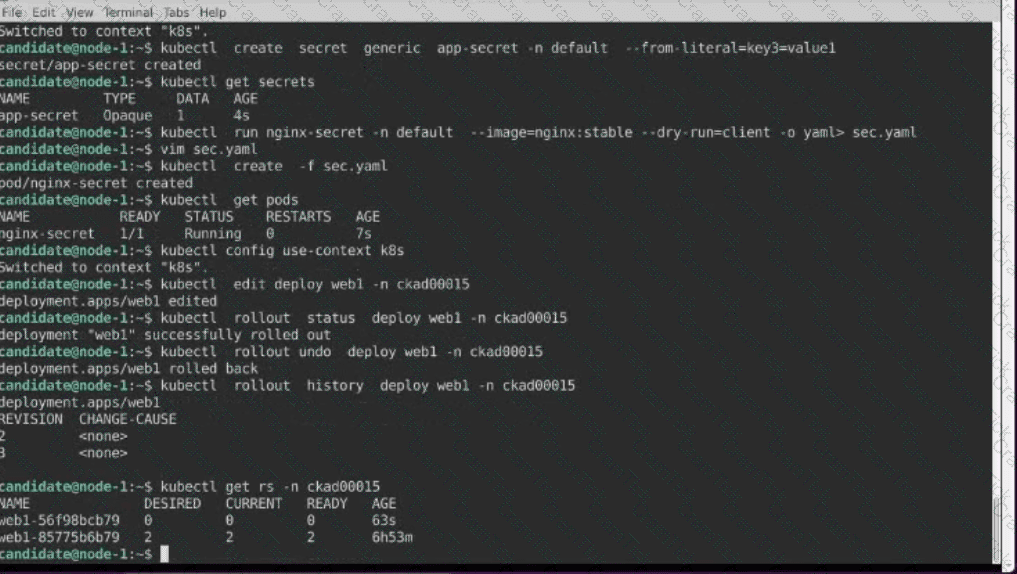
• Update the app deployment in the kdpd00202 namespace with a maxSurge of 5% and a maxUnavailable of 2%
• Perform a rolling update of the web1 deployment, changing the Ifccncf/ngmx image version to 1.13
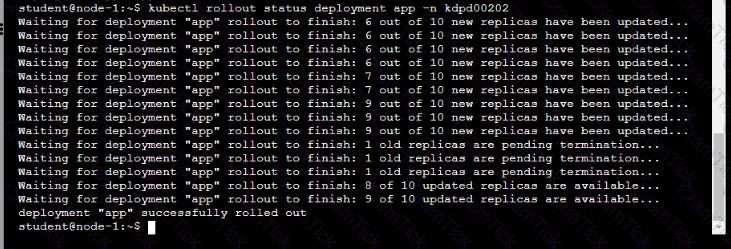
• Roll back the app deployment to the previous version
You are asked to prepare a canary deployment for testing a new application release.
You must connect to the correct host . Failure to do so may result in a zero score.
[candidate@base] $ ssh ckad00023
Modify the Deployments so that:
a maximum number of 10 Pods run in the moose namespace.
20% of the chipmunk-service 's traffic goes to the canary-chipmunk-deployment Pod
(s).
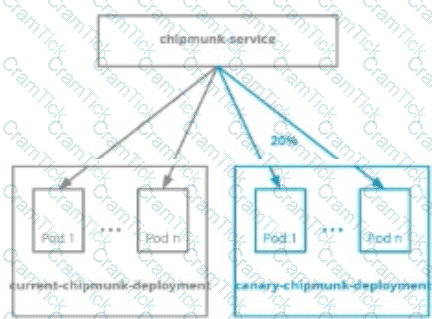
The Service is exposed on NodePort 30000. To test its load- balancing, run
[candidate@ckad00023] $ curl http://localhost:30000/
or open this URL in the remote desktop's browser.
Task:
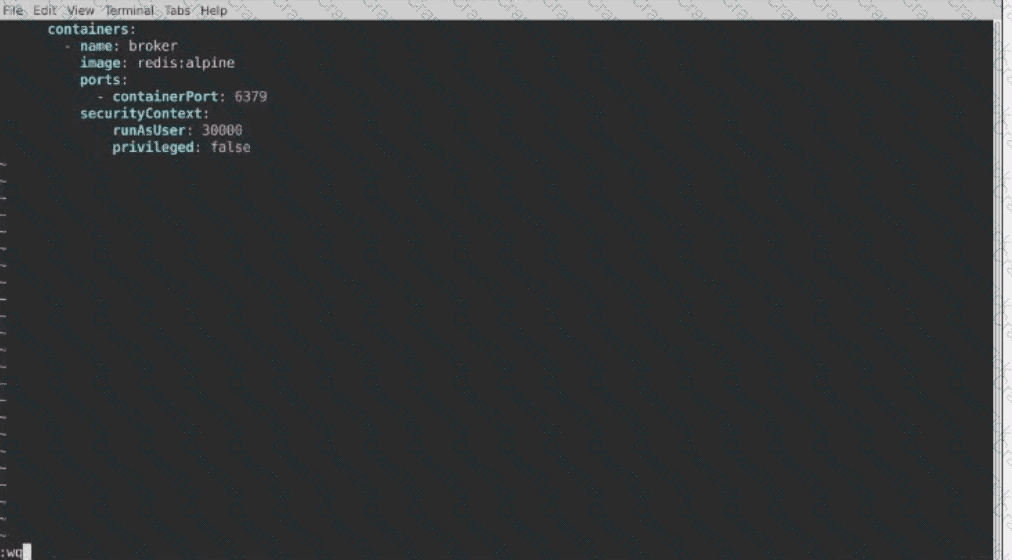
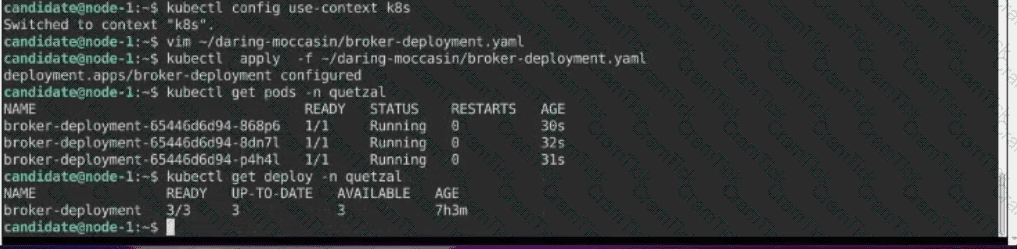
Modify the existing Deployment named broker-deployment running in namespace quetzal so that its containers.
1) Run with user ID 30000 and
2) Privilege escalation is forbidden
The broker-deployment is manifest file can be found at:

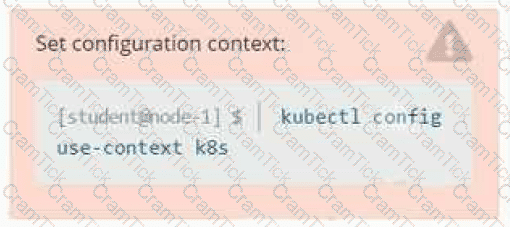
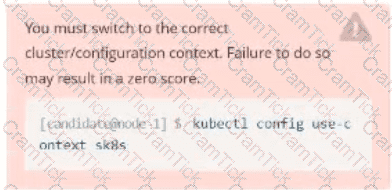
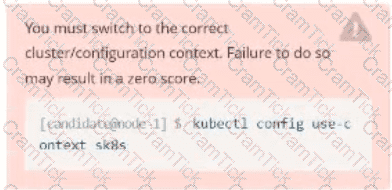
Set Configuration Context:
[student@node-1] $ | kubectl
Config use-context k8s
Context
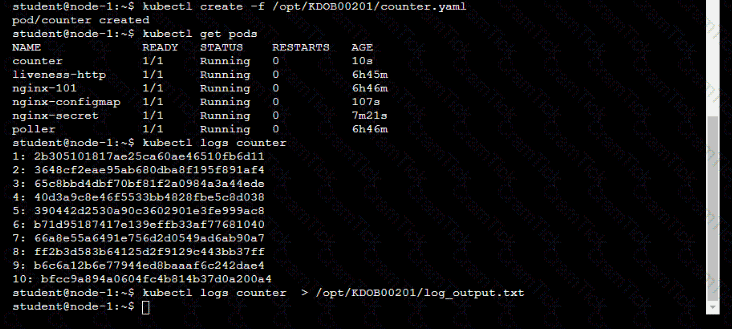
You sometimes need to observe a pod's logs, and write those logs to a file for further analysis.
Task
Please complete the following;
• Deploy the counter pod to the cluster using the provided YAMLspec file at /opt/KDOB00201/counter.yaml
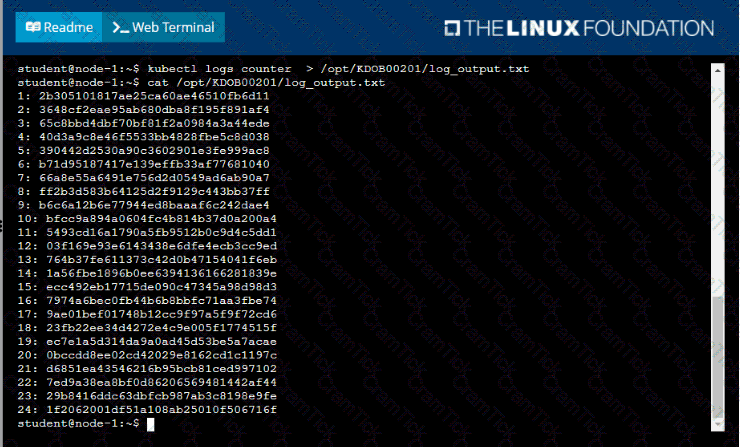
• Retrieve all currently available application logs from the running pod and store them in the file /opt/KDOB0020l/log_Output.txt, which has already been created
Context
You are asked to deploy an application developed for an older version of Kubernetes on a cluster running a recent version of Kubernetes .
You must connect to the correct host . Failure to do so may result in a zero score.
[candidate@base] $ ssh ckad00026
Task
Fix any API -deprecation issues in the manitest file
/home/candidate/credible-mite/web.yaml
so that the application can be deployed on cluster ckad00026.
The application was developed for Kubernetes v1.15.
The cluster ckad00026 runs Kubernetes 1.29+.
Deploy the application specified in the updated manifest file
/home/candidate/credible-mite/web.yaml in namespace garfish .
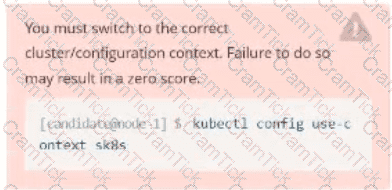
Task:
1- Update the Propertunel scaling configuration of the Deployment web1 in the ckad00015 namespace setting maxSurge to 2 and maxUnavailable to 59
2- Update the web1 Deployment to use version tag 1.13.7 for the Ifconf/nginx container image.
3- Perform a rollback of the web1 Deployment to its previous version
Context
You are asked to scale an existing application and expose it within your infrastructure.
First, update the Deployment nginx-deployment in the prod
namespace :
. to run 2 replicas of the Pod
. add the following label to the Pod :
role: webFrontEnd
Next, create a NodePort Service named rover in the prod namespace exposing the nginx-deployment Deployment 's Pods
Task:
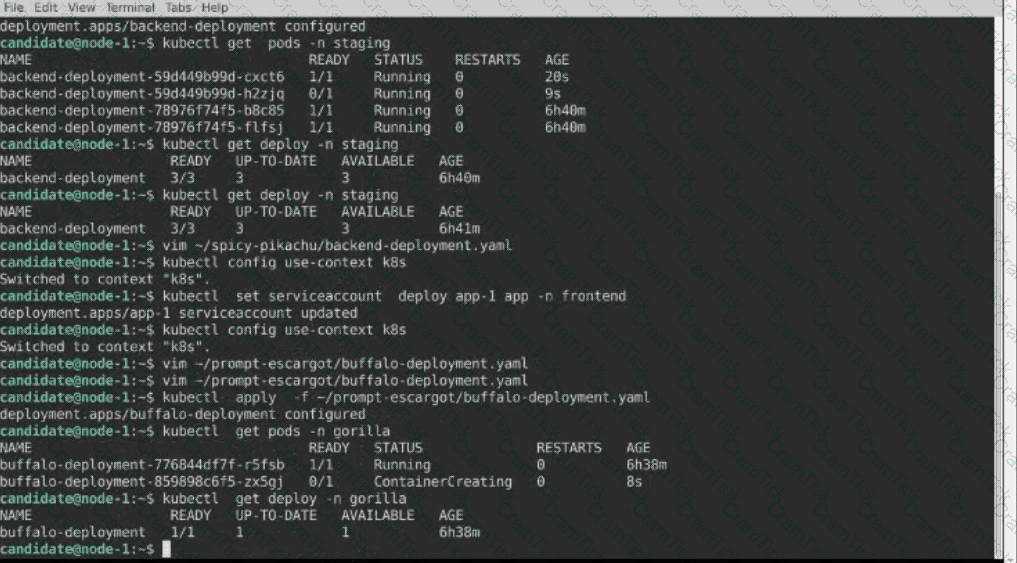
A pod within the Deployment named buffale-deployment and in namespace gorilla is logging errors.
1) Look at the logs identify errors messages.
Find errors, including User “system:serviceaccount:gorilla:default” cannot list resource “deployment” […] in the namespace “gorilla”
2) Update the Deployment buffalo-deployment to resolve the errors in the logs of the Pod.
The buffalo-deployment ‘S manifest can be found at -/prompt/escargot/buffalo-deployment.yaml
Task:
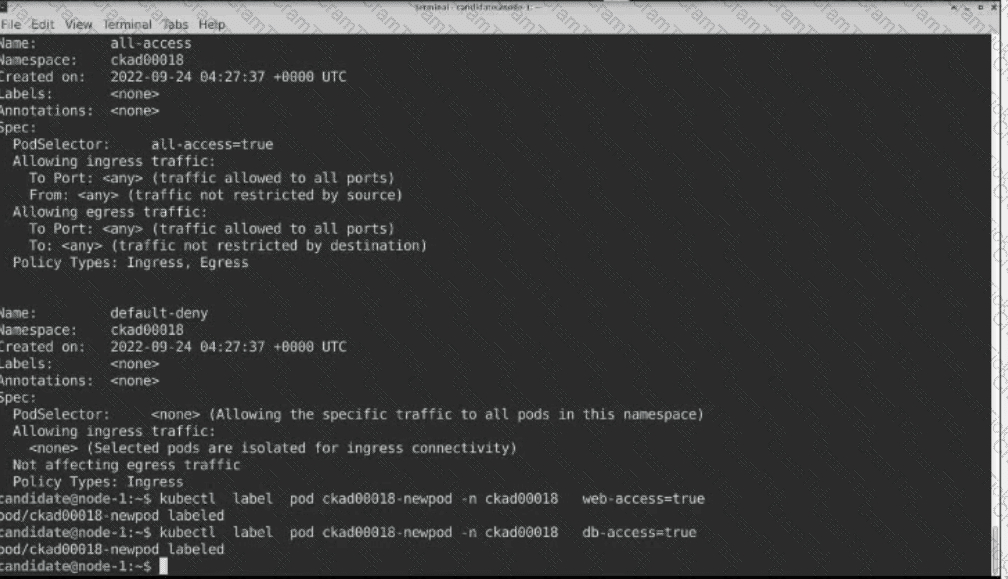
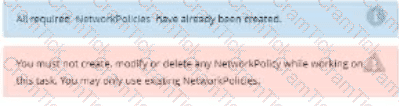
Update the Pod ckad00018-newpod in the ckad00018 namespace to use a NetworkPolicy allowing the Pod to send and receive traffic only to and from the pods web and db
You must connect to the correct host . Failure to do so may result in a zero score.
[candidate@base] $ ssh ckad00029
Task
Modify the existing Deployment named store-deployment, running in namespace
grubworm, so that its containers
run with user ID 10000 and
have the NET_BIND_SERVICE capability added
The store-deployment 's manifest file Click to copy
/home/candidate/daring-moccasin/store-deplovment.vaml
Task:
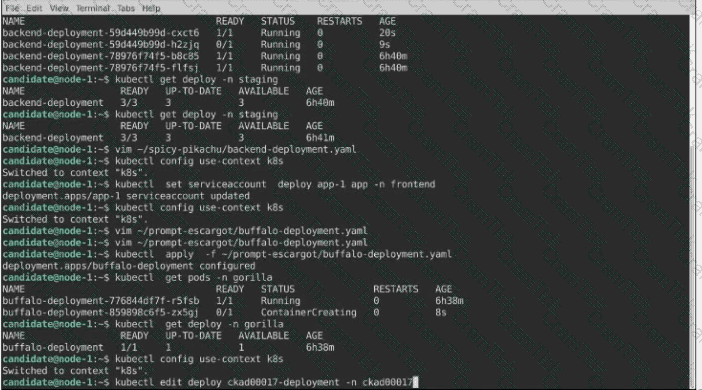
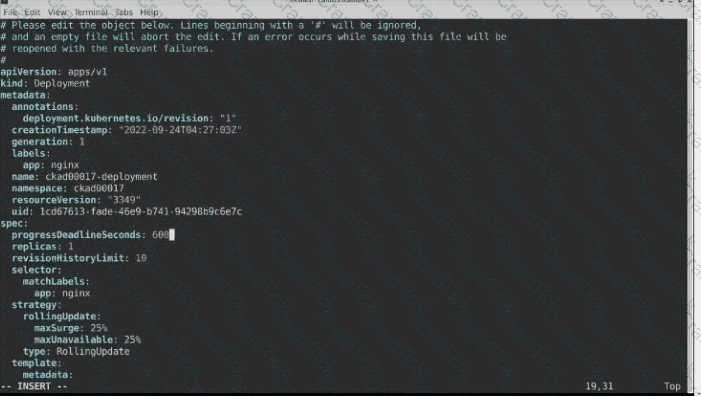
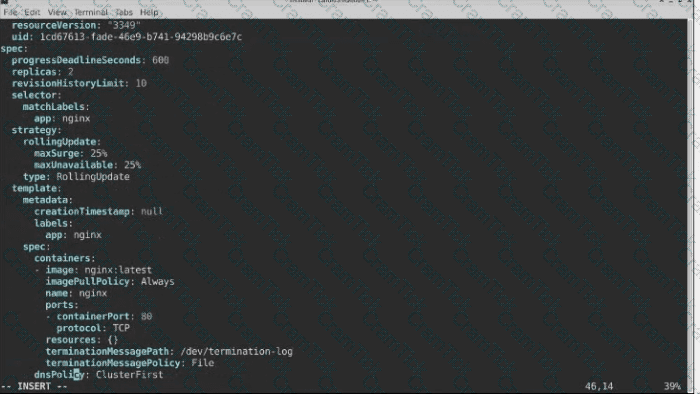
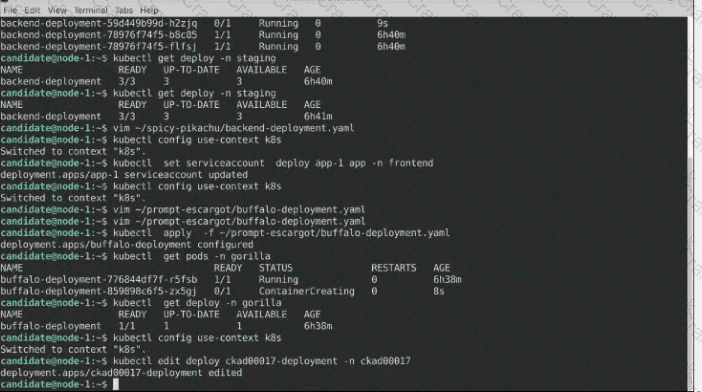
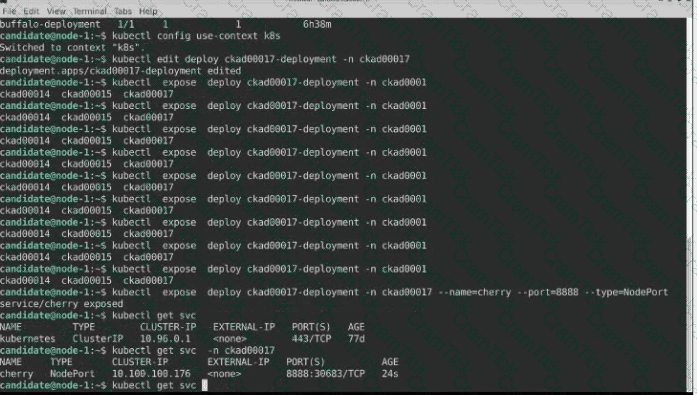
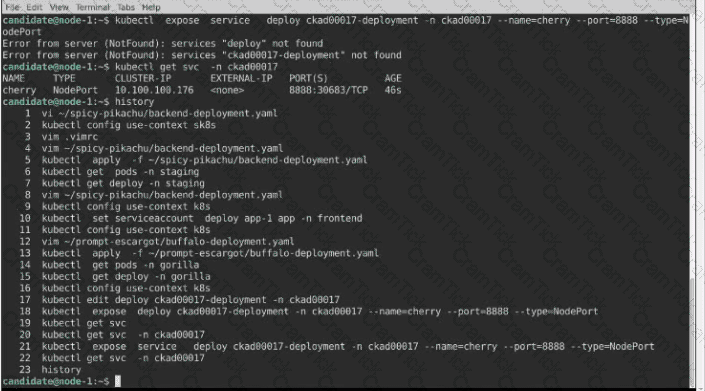
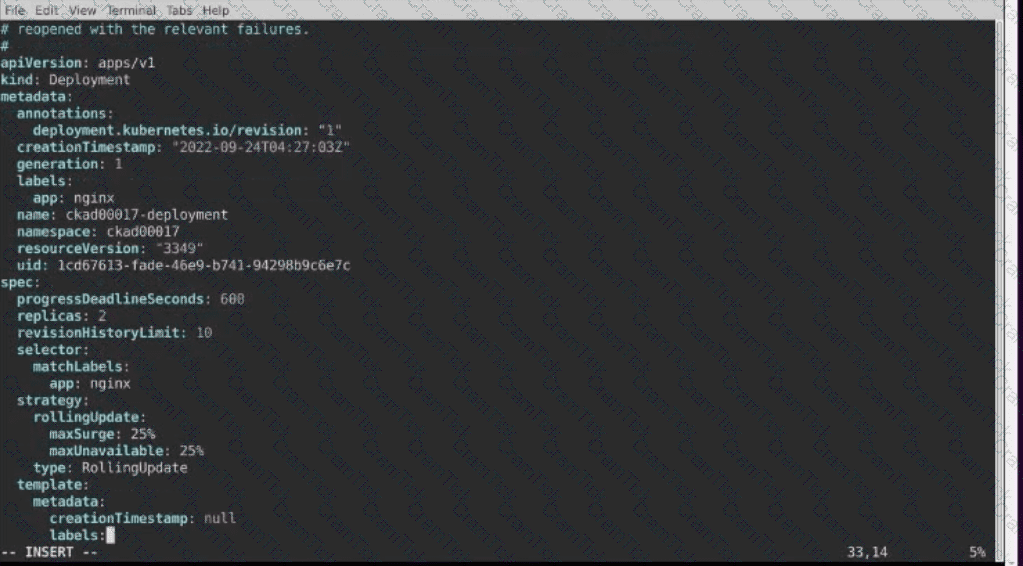
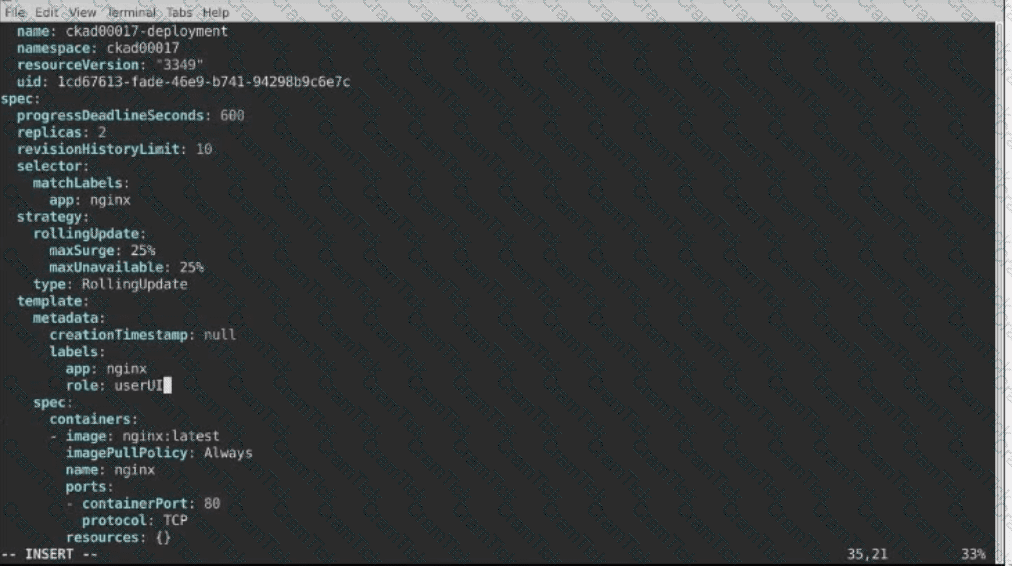
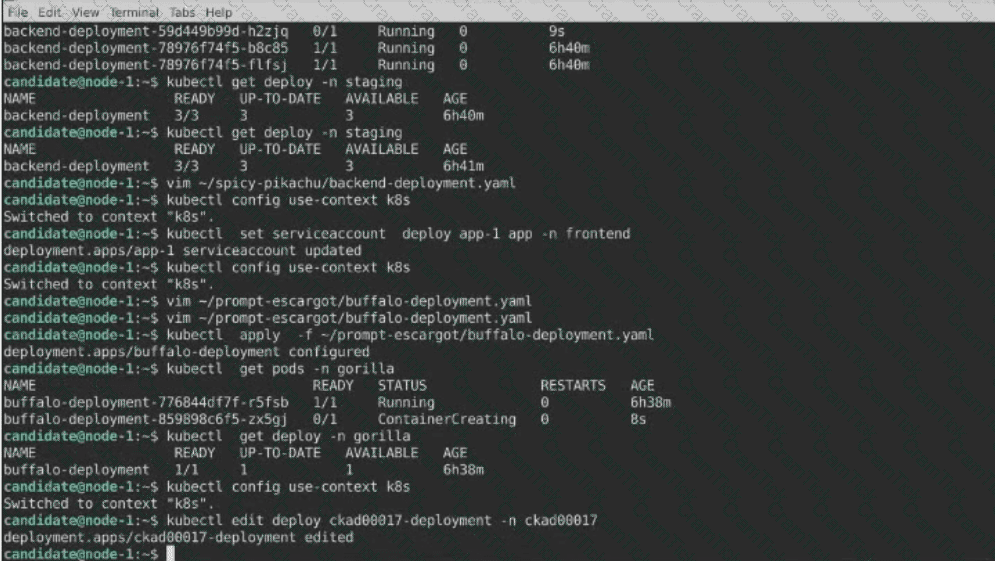
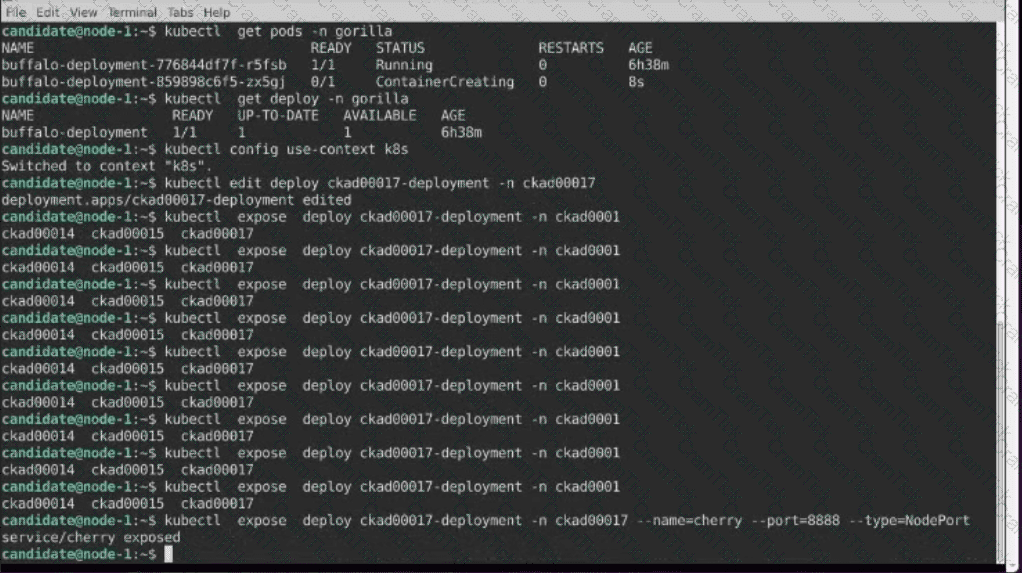
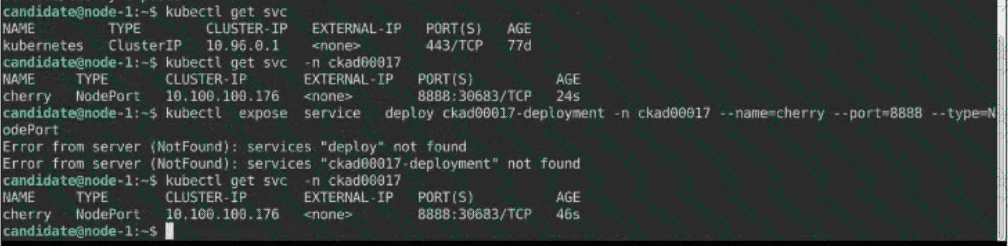
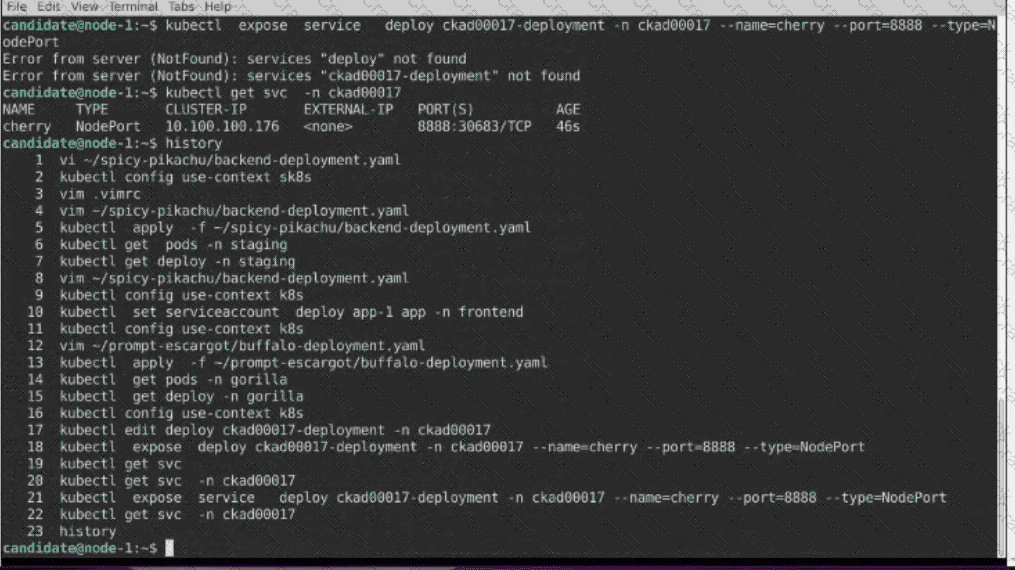
1) First update the Deployment cka00017-deployment in the ckad00017 namespace:
*To run 2 replicas of the pod
*Add the following label on the pod:
Role userUI
2) Next, Create a NodePort Service named cherry in the ckad00017 nmespace exposing the ckad00017-deployment Deployment on TCP port 8888
Kubernetes Application Developer | CKAD Questions Answers | CKAD Test Prep | Certified Kubernetes Application Developer (CKAD) Program Questions PDF | CKAD Online Exam | CKAD Practice Test | CKAD PDF | CKAD Test Questions | CKAD Study Material | CKAD Exam Preparation | CKAD Valid Dumps | CKAD Real Questions | Kubernetes Application Developer CKAD Exam Questions




TESTED 30 Sep 2026