
Certified Kubernetes Security Specialist (CKS)
Last Update Sep 26, 2026
Total Questions : 64 With Methodical Explanation
Why Choose CramTick

Last Update Sep 26, 2026
Total Questions : 64

Last Update Sep 26, 2026
Total Questions : 64

Customers Passed
Linux Foundation CKS
Average Score In Real
Exam At Testing Centre
Questions came word by
word from this dump

Try a free demo of our Linux Foundation CKS PDF and practice exam software before the purchase to get a closer look at practice questions and answers.

We provide up to 3 months of free after-purchase updates so that you get Linux Foundation CKS practice questions of today and not yesterday.

We have a long list of satisfied customers from multiple countries. Our Linux Foundation CKS practice questions will certainly assist you to get passing marks on the first attempt.

CramTick offers Linux Foundation CKS PDF questions, and web-based and desktop practice tests that are consistently updated.

CramTick has a support team to answer your queries 24/7. Contact us if you face login issues, payment, and download issues. We will entertain you as soon as possible.

Thousands of customers passed the Linux Foundation Certified Kubernetes Security Specialist (CKS) exam by using our product. We ensure that upon using our exam products, you are satisfied.
Cluster: qa-cluster
Master node: master Worker node: worker1
You can switch the cluster/configuration context using the following command:
[desk@cli] $ kubectl config use-context qa-cluster
Task:
Create a NetworkPolicy named restricted-policy to restrict access to Pod product running in namespace dev.
Only allow the following Pods to connect to Pod products-service:
1. Pods in the namespace qa
2. Pods with label environment: stage, in any namespace
Task
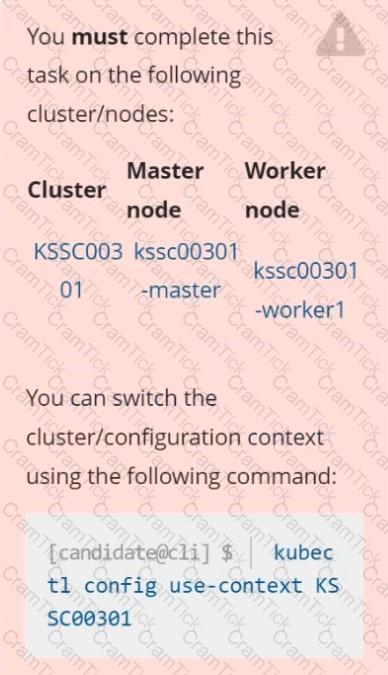
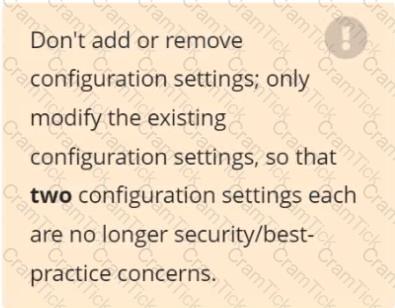
Analyze and edit the given Dockerfile /home/candidate/KSSC00301/Docker file (based on the ubuntu:16.04 image), fixing two instructions present in the file that are prominent security/best-practice issues.
Analyze and edit the given manifest file /home/candidate/KSSC00301/deployment.yaml, fixing two fields present in the file that are prominent security/best-practice issues.
Context
You must fully integrate a container image scanner into the kubeadm provisioned cluster.
Task
Given an incomplete configuration located at /etc/kubernetes/bouncer and a functional container image scanner
with an HTTPS endpoint at https://smooth-yak.local/review, perform the following tasks to implement a validating admission controller.
First, re-configure the API server to enable all admission plugin(s) to support the provided AdmissionConfiguration.
Next, re-configure the ImagePolicyWebhook configuration to deny images on backend failure.
Next, complete the backend configuration to point to the container image scanner's endpoint at https://smooth-yak.local/review.
Finally, to test the configuration, deploy the test resource defined in /home/candidate/vulnerable.yaml which is using an image that should be denied.
You may delete and re-create the resource as often as needed.
The container image scanner's log file is located at /var/log/nginx/access_log.





TESTED 26 Sep 2026